
Digital Hygiene
“If you can't even clean up your own room, who the hell are you to give advice to the world?” — Jordan Peterson

Ok, we’re not talking about personal hygiene here…
We talking about something even more gross, digital hygiene.
No One Tells You to Wash Your Hands
A list of the dirty things, you need to know about when working online that no one will straight up tell you.
💩 Meeting Etiquette
- Don’t cancel/reschedule less than 24 hours before a meeting
- Don’t turn up late, it looks pretty bad
- Don’t call or request a call with someone between 9pm-6am (check their timezone)

💩 Over Communicate
It’s easy for people to misunderstand you.
Make everything explicit, repeat often and don't shy away from giving people updates on how things are going.
This is especially critical when things aren’t going as planned. Provide updates as often as you can.
💩 Check Yourself Before You Wreck Yourself
Now this isn't the most fun thing to do.
But something that’s good to get into the habit of doing online is checking your work after you have created it.
You’d be surprised how often there are mistakes and things that can come across as unprofessional to others.
💩 Don’t Dox Yourself or Others
When sharing things online be mindful of whether that content contains your own & others’ personal identity or sensitive information.
For example:
- Names
- Addresses
- Account IDs
- Emails
- Phone numbers
- Website login URL
- Bank information
The more of this information that is out in the public eye, the easier it is for a malicious actor to use this information against you.
This is especially important if you are posting screenshots on social media. Use image editing tools like Canva to remove personal info. More info on this is in the Design part of this course (coming soon…)
💩 Avoid Task Switching
There’s a lot of research out there on this, but the essence is that doing too many things at once lowers your ability to execute any one of those things well.
A better approach would be to focus on each of your tasks, one at a time, very intensely.
Some practical ways to achieve this:
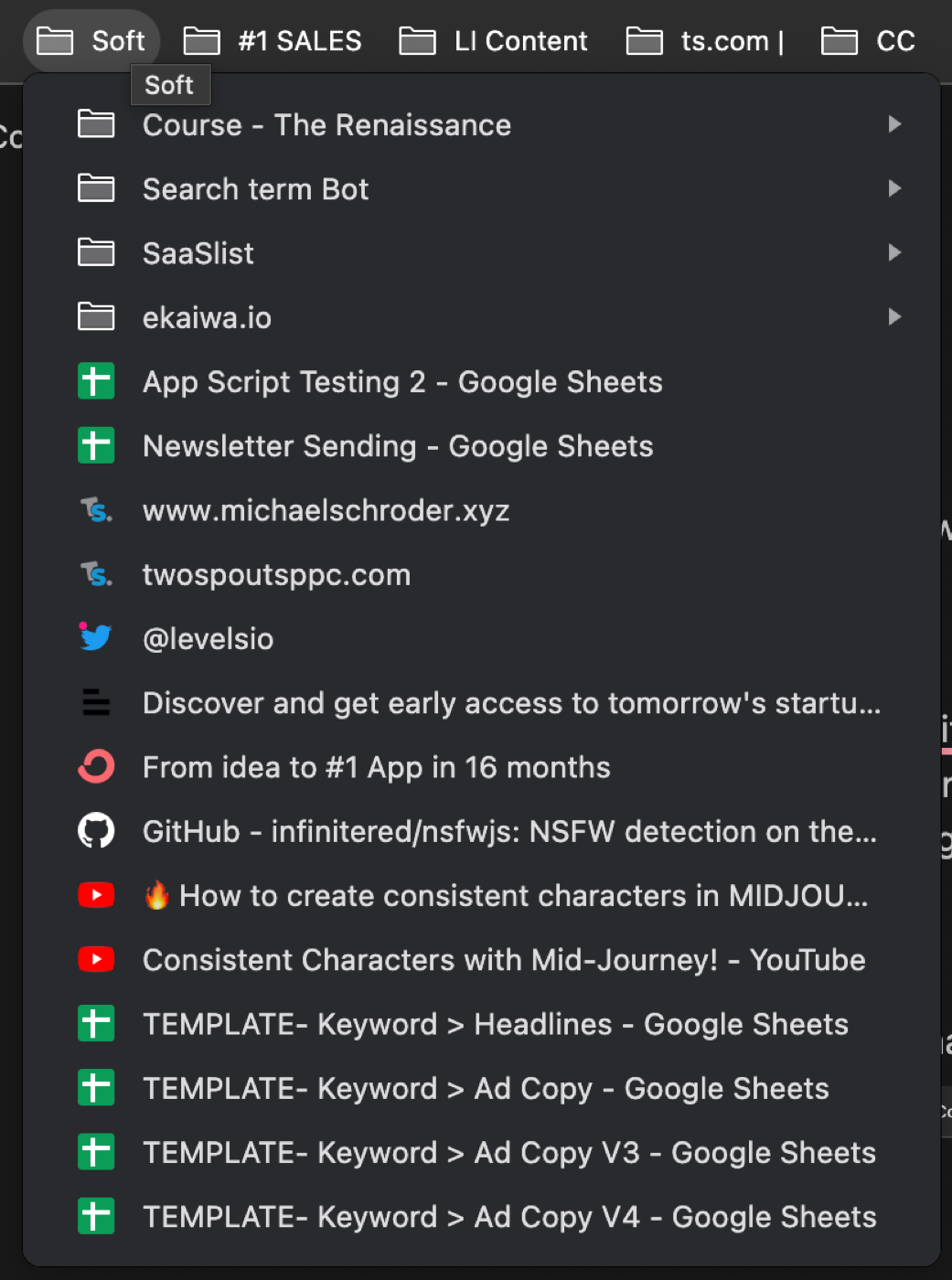
- Minimise the number of active tabs you have open..bookmark them instead

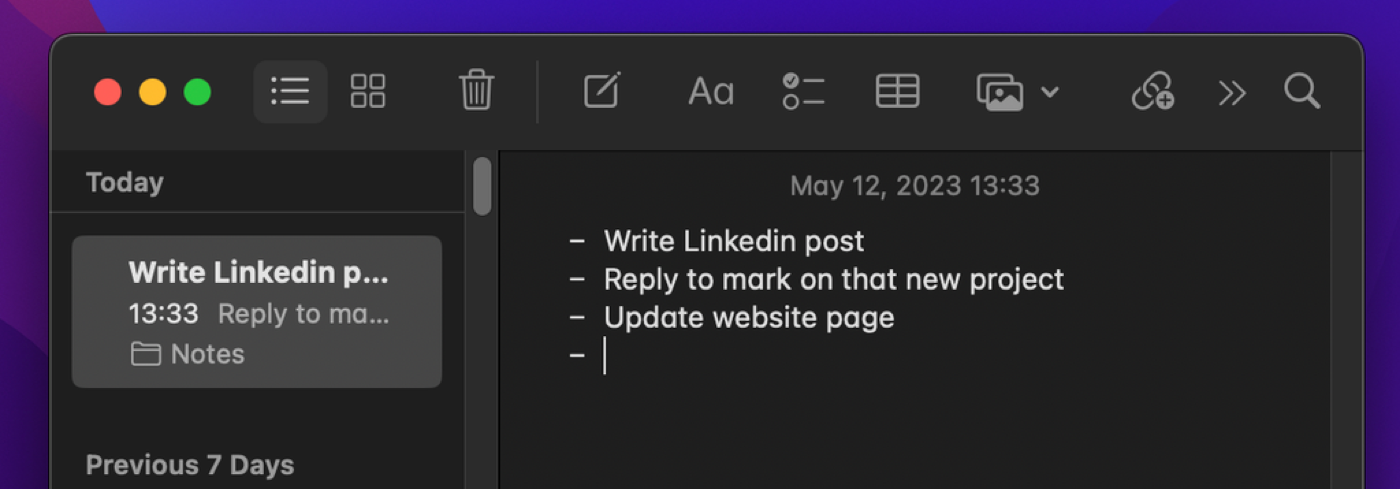
- For urgent but short-term tasks (i.e. today stuff) use a notes app to list up the 3-4 main tasks you need to get done (it re-focuses you to get the most important things done) Delete each one as you complete them for an extra boost of dopamine!
- Use a task planning app to dump in long-term tasks you can’t handle today, but want to get to at some point in the future
💩 Hit Inbox 0
This is the ‘Promised Land’ for productivity bros.
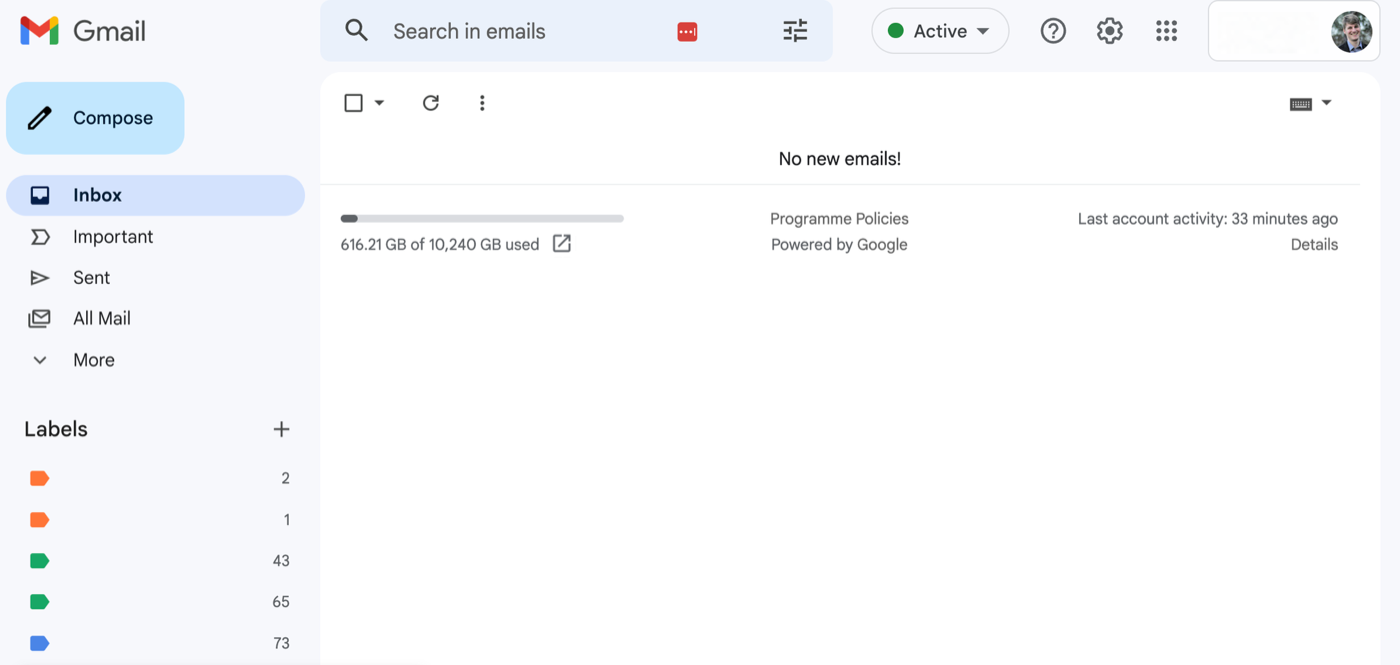
The idea of inbox 0, is that you treat your email inbox as a task list and you try to clear that task list each day by archiving (not deleting) emails once you have dealt with them.
Benefits of this approach:
- You don’t miss emails or replies
- You can find email conversations at any time as they are still stored, just not visible
- You save time trawling through 100’s of emails to find the one you need to respond to
- Clearer mind not starring at so many emails
I’ve been practising this for years and it’s been amazingly liberating!
The view of my inbox right now:
💩 Don’t Send People Things That Look Bad
Links
When you copy links online, just be aware that often they contain a lot of UTMs on the end and are not the cleanest to share on social media or in a DM.
Just delete the random stuff off the end of a link before you send it.
LinkedIn Example:
Before: https://www.linkedin.com/posts/ryan-staley_20-minute-marketing-org-ugcPost-7062371353441492992-RdAd?utm_source=share&utm_medium=member_desktop
After: https://www.linkedin.com/posts/ryan-staley_20-minute-marketing-org-ugcPost-7062371353441492992-RdAd
Youtube Example (They have a built-in link shortener for sharing links!):
Before: https://www.youtube.com/watch?v=N4Bsr-D5iQ4&t=4s
After: https://youtu.be/N4Bsr-D5iQ4
Sometimes the UTMs at the end are actually important! It’s good to know what you are looking at here. More info on UTMs is in the Technical Marketing part of this course (coming soon…)
Docs & Spreadsheets
Digital Basics Everyone Should Know..
Copy
Copy text or images:
PC: Ctrl + C
Mac: ⌘CMD + C
Paste
Paste the text you just copied somewhere:
PC: Ctrl + V
Mac: ⌘CMD + V
Search Anything
Quickly look for text on a page with this shortcut:
PC: Ctrl + F
Mac: ⌘CMD + F
Pasting text without formatting
Paste text without the formatting with this shortcut:
PC: Ctrl + SHIFT + V
Mac: ⌘CMD + SHIFT + V
Switching Between Browser Tabs
PC: Ctrl + ALT + LEFT/RIGHT
Mac: ⌘CMD + OPTION + LEFT/RIGHT
Sweet, you’ve completed this section! 🥳 Time for a little break...
Thanks for taking the course! 🥳
I hope you found some golden nuggets you can start using right now. The journey for Renaissance Marketers is never over — so keep learning, keep pushing, and do the best work you can with the tools you have.
Coming soon